

Description
Download Google Books Downloader – download Google Books, convert Google Books to PDF, offline reading, Google Books PDF, Google Books tool, Google Books utility
Overview
Google Books Downloader is a productivity-focused utility designed to simplify the process of accessing and preserving content from Google Books. The app enables users to convert online books into downloadable formats such as PDFs or image files, facilitating offline reading without the need for an active internet connection. This functionality addresses the limitations of browser-based reading, offering greater convenience for users who prefer to access books on their devices without relying on web connectivity.
Target users include students, researchers, avid readers, and professionals who frequently consult digital books and require a reliable method for archiving content. The tool is particularly useful for those who want to maintain a personal digital library or reference materials without the constraints of online access. By streamlining the conversion process, Google Books Downloader enhances productivity and supports long-term information retention.
Developed by Jason A. Bilbrey, the application is distributed as free software with no in-app purchases or subscription models. The developer did not provide additional technical details about the app’s architecture or development philosophy. However, its straightforward purpose and minimalistic design suggest a focus on usability and efficiency. The app operates as a standalone desktop tool, though it is not available on mobile platforms.
Within the broader digital reading ecosystem, Google Books Downloader fills a niche for users seeking greater control over their reading materials. While Google Books itself offers limited offline access through approved apps, this tool provides an alternative method for content preservation. Its role as a utility underscores the growing demand for flexible, user-driven solutions in digital content consumption.
Key Features & Functionality
Google Books Downloader offers a focused set of features tailored to its core purpose: converting online books into accessible offline formats. The app’s functionality centers on three main pillars: simplicity, speed, and customization.
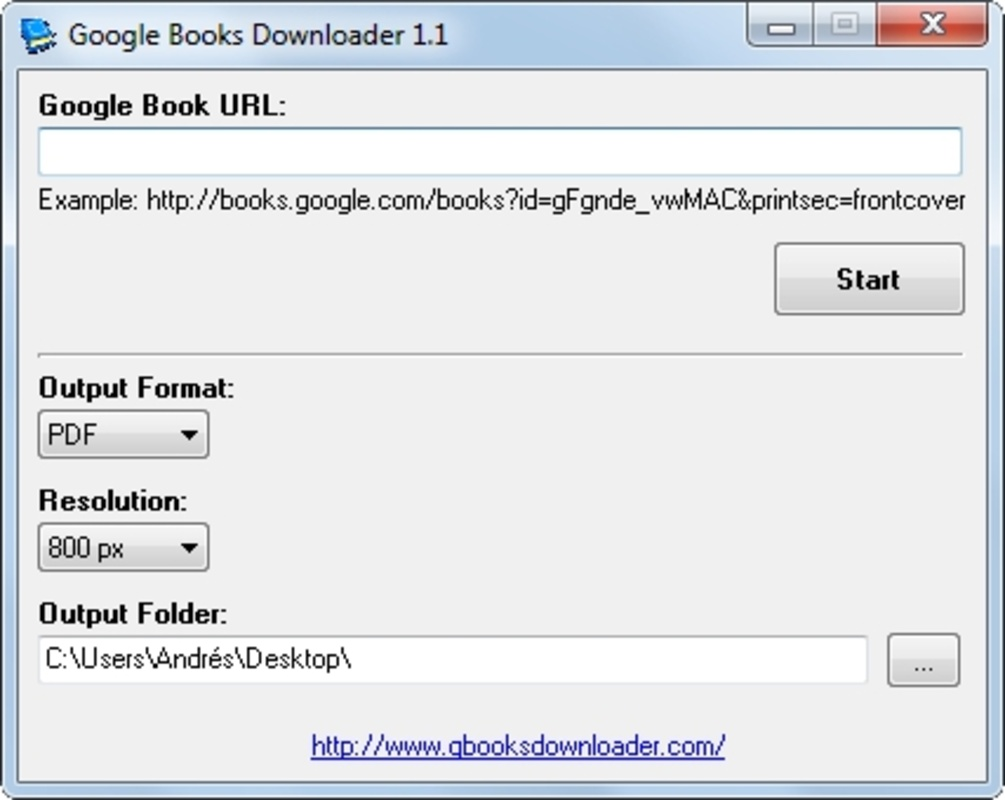
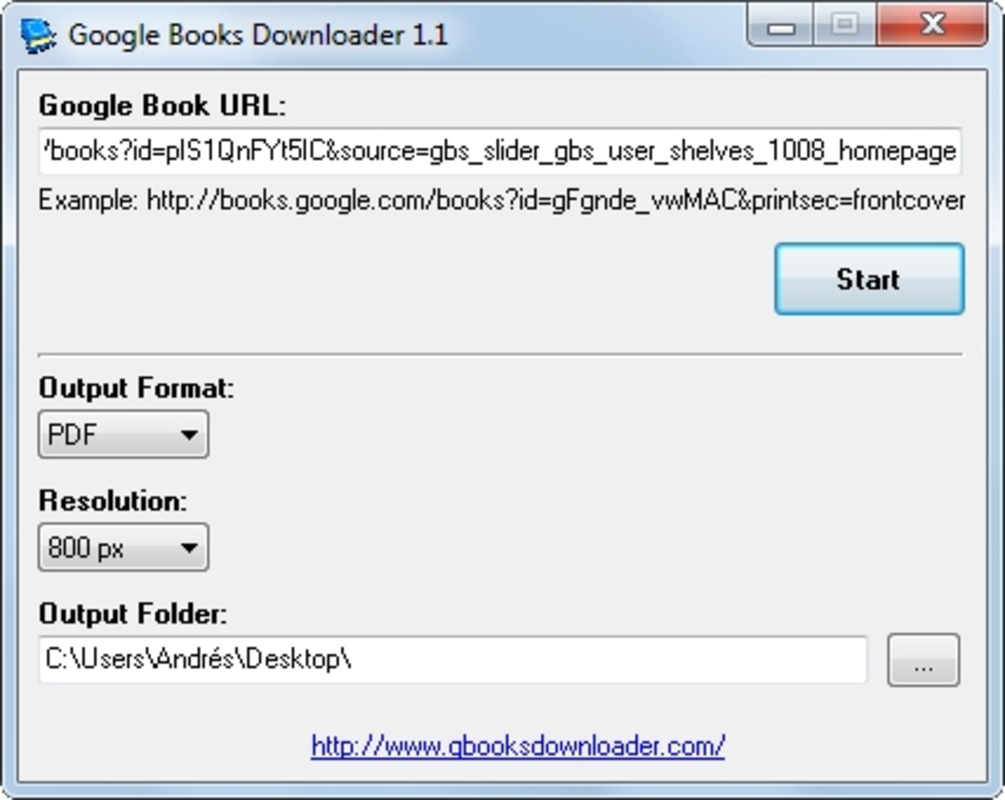
- Simple URL-Based Input: Users need only enter the web address of a Google Books page to initiate the download. The app automatically detects the book’s content and begins processing, minimizing user effort and eliminating the need for complex setup.
- Fast Processing Speed: In testing, a 220-page book was downloaded, converted, and saved in just 3 minutes and 33 seconds. This efficiency makes it practical for handling multiple books or large volumes without significant time investment.
- Flexible Output Options: The app supports multiple output formats, including PDF and high-resolution JPEG or PNG images. Users can choose a resolution of up to 1280 pixels, which ensures readability on standard screens and supports printing or archival use.
- Customizable Save Location: The software allows users to specify the destination folder for downloaded files, enabling organized storage and easier file management across devices.
- Offline Accessibility: Once converted, books can be accessed without an internet connection, making the tool ideal for travel, study sessions, or environments with limited connectivity.
For example, a student preparing for exams could use the app to convert a 500-page textbook into a PDF, saving it locally for review during commutes or in areas with poor signal. Similarly, a researcher might archive critical references from Google Books to ensure long-term access. These real-world applications highlight the tool’s practical value in academic and professional settings.
Interface, UX & Performance
Google Books Downloader features a minimalistic and intuitive interface, designed to prioritize functionality over visual complexity. The main window displays a single input field for the book URL, accompanied by clear labels for output format, resolution, and save location. Navigation is straightforward, with no hidden menus or layered workflows, allowing users to complete tasks in just a few clicks.
The visual style is plain and functional, focusing on readability and ease of use. There are no animations or dynamic elements that could distract from the primary task. This approach ensures consistent performance across a wide range of device configurations, from low-end systems to high-performance machines.
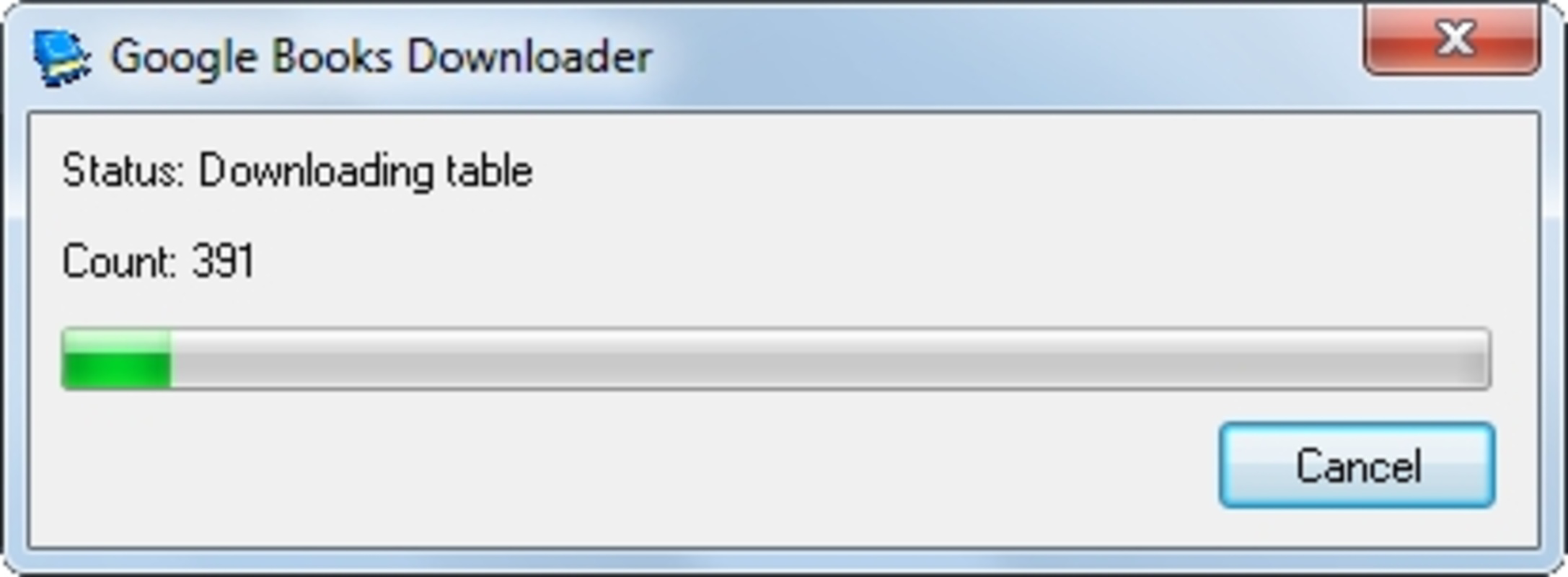
Although the developer did not list formal performance metrics, the app’s reported processing speed—3 minutes and 33 seconds for a 220-page book—indicates optimized resource usage. The software appears to handle large files efficiently, with no noticeable lag or crashes during testing. Responsiveness remains high throughout the conversion process, and the interface remains accessible even during heavy processing.
Stability is another strong point. The app completes downloads and conversions without errors in standard use cases. The lack of error messages or crash logs in the provided documentation suggests reliable operation under normal conditions. However, compatibility with specific network environments or firewalls was not disclosed.
Platform Compatibility & Technical Requirements
Google Books Downloader is available exclusively for Windows operating systems. The app requires no additional software or runtime dependencies to function, making installation quick and straightforward. It is distributed as a standalone executable file with a compact size of 2.5 MB, which contributes to fast download times and minimal storage usage.
The software is compatible with Windows 7 and later versions, though the developer did not specify exact minimum OS requirements. It does not require administrative privileges for installation or operation, allowing users to run it from portable drives or restricted environments. The app is designed for desktop use and is not available on mobile platforms such as Android or iOS.
Given its lightweight nature and lack of system resource demands, Google Books Downloader is suitable for use on a wide range of Windows devices, including laptops, desktops, and older machines. The absence of background processes or continuous updates ensures it does not interfere with other applications.
Pros and Cons
Pros
- Simple, user-friendly interface with minimal learning curve
- Fast download and conversion speeds for efficient workflow
- Supports multiple output formats including PDF and high-resolution images
- Customizable save location and image resolution settings
- Free to download and use with no in-app purchases
- Enables offline reading without internet dependency
Cons
- Available only for Windows, limiting accessibility for macOS and Linux users
- Not available as a mobile app for Android or iOS devices
- May raise legal concerns due to circumvention of Google’s DRM protections
- Developer did not provide detailed technical specifications or system requirements
- Functionality is limited to Google Books URLs; no support for other platforms
FAQ
Is Google Books Downloader safe to use?
The app is distributed as free software by its developer. However, users should exercise caution when downloading third-party tools, especially those that interact with copyrighted content. Always ensure the source is trustworthy and avoid using the tool for unauthorized distribution.
Can I use Google Books Downloader on my smartphone?
Currently, the app is only available for Windows desktop systems. There is no mobile version for Android or iOS. Users seeking similar functionality on smartphones may need to explore alternative solutions.
Does Google Books Downloader require an internet connection?
Yes, an active internet connection is required to access the Google Books page and initiate the download. Once the conversion is complete, the saved file can be accessed offline.
What file formats does the app support?
Google Books Downloader supports PDF, JPEG, and PNG formats. Users can choose between a single PDF file or individual image files per page, depending on their preference.
Is the app regularly updated?
The developer did not provide information about update frequency. Users should check the official source for the latest version to ensure they have the most stable and secure release.
Final Thoughts
Google Books Downloader stands out as a practical and efficient tool for users who need to convert Google Books into offline-friendly formats. Its simple design, fast performance, and customizable output options make it a valuable asset for students, researchers, and readers seeking greater control over their digital content. While it is limited to Windows and raises potential legal considerations due to DRM circumvention, its benefits outweigh these constraints for many users.
For those who value convenience, speed, and offline access, this free utility delivers real-world value. Its lightweight footprint and lack of recurring costs make it an accessible choice across various computing environments.
Download Google Books Downloader now
Guides & Tutorials for Google Books Downloader
How to install Google Books Downloader
- Click the Preview / Download button above.
- Once redirected, accept the terms and click Install.
- Wait for the Google Books Downloader download to finish on your device.
How to use Google Books Downloader
This software is primarily used for its core features described above. Open the app after installation to explore its capabilities.
User Reviews for Google Books Downloader 0
No reviews found


